Making music with Claude Code and the AudioContext web audio API
May 06, 2026The AudioContext interface allows you to create sound effects and music algorithmically in the browser with JavaScript, like a programmable synthesizer. I discovered this today when I wanted to add a sound effect to my site's Ghost theme, but I didn't want to go through the rigamarole of finding a recording of the sound effect, adding it as a theme asset, etc. Instead, Claude synthesized a sound effect for me in JavaScript, using the AudioContext interface. The code below is what creates the degauss sound effect:
    const playDegaussSound = () => {
        const AudioContext = window.AudioContext || window.webkitAudioContext;

        if (!AudioContext) {
            return;
        }

        const context = new AudioContext();
        const now = context.currentTime;
        const output = context.createGain();

        output.gain.setValueAtTime(0.55, now);
        output.connect(context.destination);

        const playTone = ({type, frequency, endFrequency, delay = 0, duration, volume, filterFrequency}) => {
            const oscillator = context.createOscillator();
            const gain = context.createGain();
            const filter = context.createBiquadFilter();
            const start = now + delay;
            const end = start + duration;

            oscillator.type = type;
            oscillator.frequency.setValueAtTime(frequency, start);
            oscillator.frequency.exponentialRampToValueAtTime(endFrequency, end);

            filter.type = 'lowpass';
            filter.frequency.setValueAtTime(filterFrequency, start);
            filter.frequency.exponentialRampToValueAtTime(Math.max(40, filterFrequency * 0.25), end);

            gain.gain.setValueAtTime(0.0001, start);
            gain.gain.exponentialRampToValueAtTime(volume, start + 0.018);
            gain.gain.exponentialRampToValueAtTime(0.0001, end);

            oscillator.connect(filter);
            filter.connect(gain);
            gain.connect(output);
            oscillator.start(start);
            oscillator.stop(end + 0.02);
        };

        const playNoiseBurst = () => {
            const duration = 0.12;
            const bufferSize = context.sampleRate * duration;
            const buffer = context.createBuffer(1, bufferSize, context.sampleRate);
            const data = buffer.getChannelData(0);
            const source = context.createBufferSource();
            const filter = context.createBiquadFilter();
            const gain = context.createGain();

            for (let index = 0; index < bufferSize; index += 1) {
                data[index] = (Math.random() * 2 - 1) * (1 - index / bufferSize);
            }

            source.buffer = buffer;
            filter.type = 'bandpass';
            filter.frequency.setValueAtTime(180, now);
            filter.Q.setValueAtTime(0.8, now);
            gain.gain.setValueAtTime(0.09, now);
            gain.gain.exponentialRampToValueAtTime(0.0001, now + duration);

            source.connect(filter);
            filter.connect(gain);
            gain.connect(output);
            source.start(now);
        };

        playTone({
            type: 'sine',
            frequency: 150,
            endFrequency: 92,
            duration: 0.52,
            volume: 0.16,
            filterFrequency: 520
        });
        playTone({
            type: 'sawtooth',
            frequency: 260,
            endFrequency: 120,
            delay: 0.018,
            duration: 0.36,
            volume: 0.055,
            filterFrequency: 1100
        });
        playTone({
            type: 'triangle',
            frequency: 420,
            endFrequency: 190,
            delay: 0.035,
            duration: 0.22,
            volume: 0.035,
            filterFrequency: 1600
        });
        playNoiseBurst();

        window.setTimeout(() => context.close(), 950);
    };
It's a neat, super lightweight way to add sound effects to a web app, and seems to be mostly used for sound effects in games, but it can just as easily be used for creating algorithmic music or instruments in your browser. After this first taste of Dunning-Kruger and AI fueled musical creation, I wanted to explore what else was possible with AudioContext.
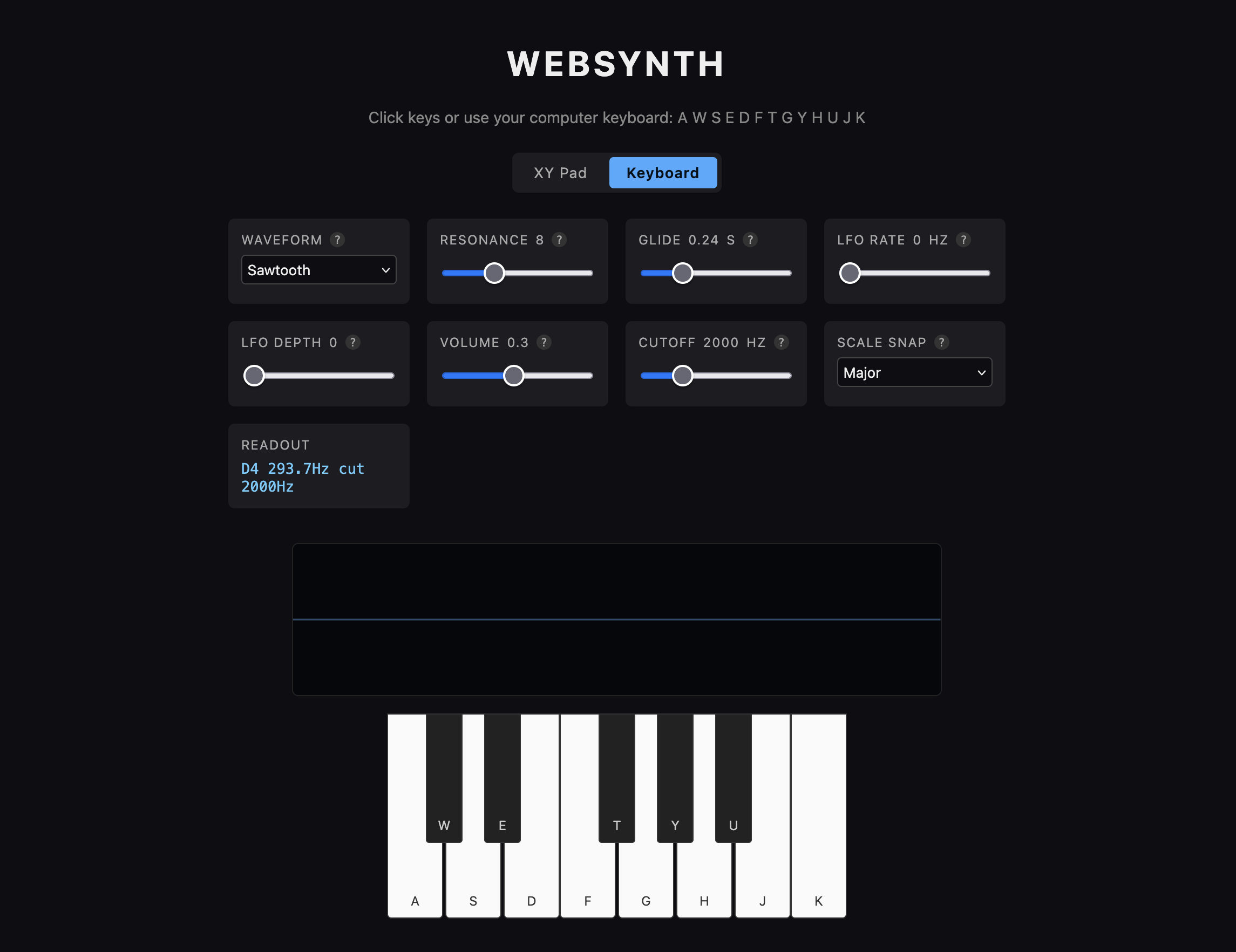
And it turns out, the answer is pretty much anything. I made what I gather is a pretty simple "subtractive synthesizer". The coolest part for me, since I know barely anything about synthesizers, is that it visualizes the wave forms live in your browser, so you can visualize the tones you're creating and see how they change as you adjust all the knobs and play different tones. Code and demo for the curious.
I found the XY Pad particularly fun to play with using a trackpad or phone:
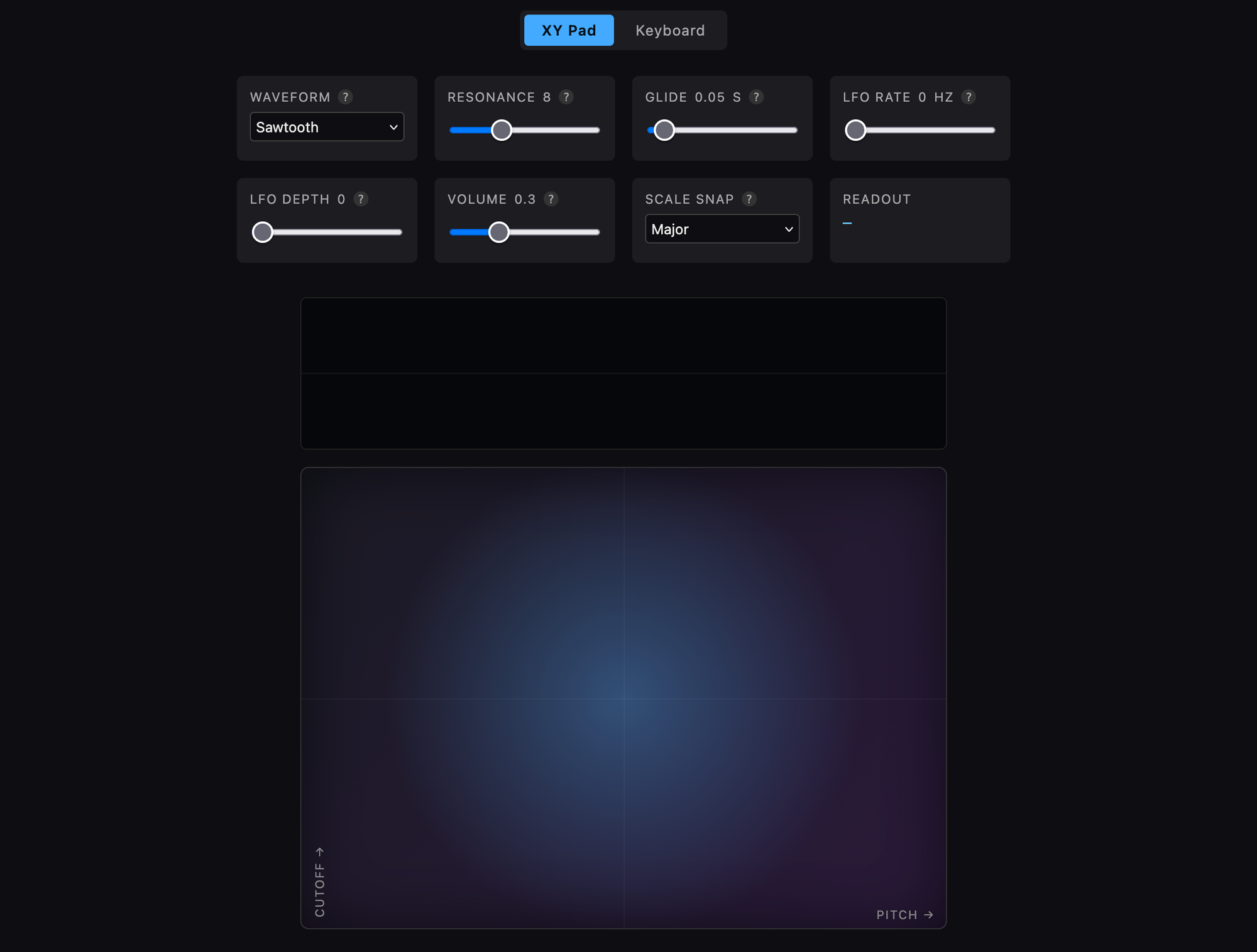
I'm sure the visualization isn't perfect but from my rudimentary understanding of all these concepts it's at least directionally correct. Apparently there’s also a Web MIDI API to interface with hardware MIDI controllers too.
This was a neat experiment, but I really have no idea what I'm doing here, and the little single html + javascript file app doesn't really allow you to record a song or anything like that (not that I'd have a clue how to do that to begin with).
But it got me thinking: could Claude generate a decent song in code? One prompt and 2 minutes later, Claude Code generated an impressively complex instrumental song in pure JavaScript. You can read the source code of the song the magic computer in the sky composed here.
You can read the source code of the song the magic computer in the sky composed here. (he repeated for emphasis)
What a wild time to be alive. Something something copyright law. Something something player piano.